



MemberPress Options
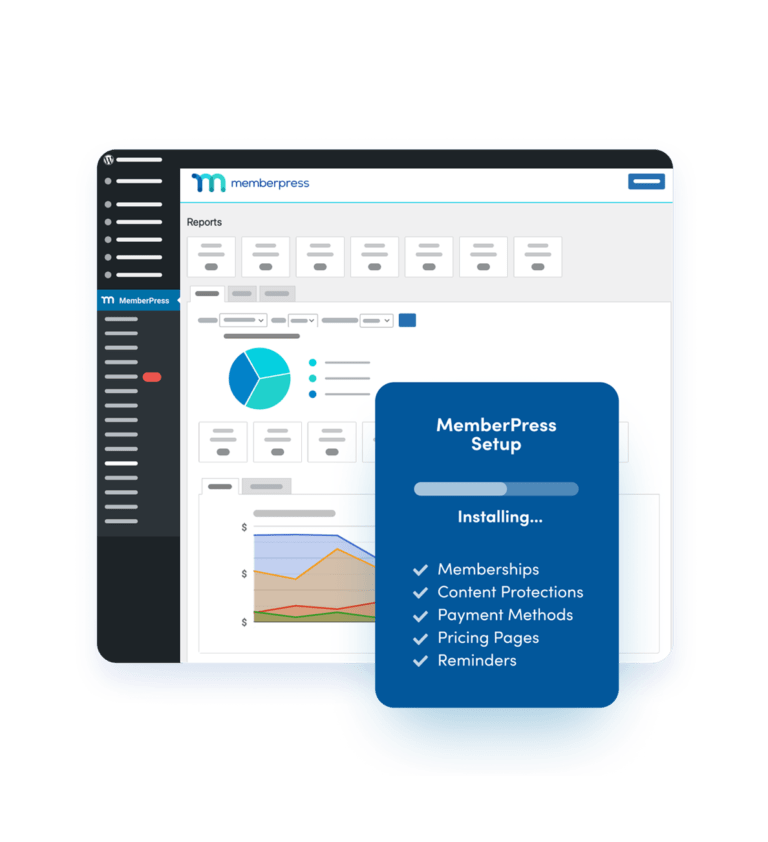
MemberPress has a powerful set of options that are very easy to find and configure. You’ll find all of your MemberPress options in the “MemberPress” -> “Options” menu item in your WordPress Admin.
- Page Options
- Account Options
- Configure Payment Methods
- Email Options
- I18N Options
- AWeber Options
MemberPress Products
You’ll be able create an unlimited number of membership products (sometimes called “membership levels”) and digital products with MemberPress. MemberPress will make it easy for you to set each product’s price, subscription period, trial period (if you need one), who can buy it and what it’s pricing box should look like when its added to a group pricing page. When created, a Product will automatically generate a product registration page for you that will allow the users to register their account and purchase the product. There’s no need to go to PayPal and copy code for a “Buy Now” button to paste onto a page or go through any hoops to get payments working. As long as you have at least one payment method setup and a product created, MemberPress will handle the rest.
- Manage Products
- Add / Edit Products
- Product Registration Page
MemberPress Access Rules
You’ll have fine-grained control over who has access to what with MemberPress Access Rules. Set rules to prevent access to pages, posts, posts categorized or tagged a certain way, children pages of a certain page, custom post types and even standalone files.
- Add / Edit Access Rules
- List of Access Rule Types
- Manage Access Rules
MemberPress Product Groups
MemberPress will give you the ability to group your products and use those groups to define upgrade paths and create dynamically generated pricing pages. With MemberPress groups you’ll be able to create multiple product lines, complete membership tracks … it’s literally like having multiple membership sites hosted on the same site!
- Manage Product Groups
- Add / Edit Product Groups
- Group Pricing Page
MemberPress Subscriptions And Transactions
These screens show how MemberPress offers the ability to fully track subscriptions and transactions right from your WordPress admin. MemberPress is fully integrated with PayPal, Authorize.net and Stripe — this means it collects all of the information returned by them and tracks subscriptions accurately. MemberPress not only has the ability to create real subscriptions & transactions but it will know when a subscription is cancelled or a transaction is refunded and you’ll be able to see all of that right here.
- Manage Subscriptions
- Manage Transactions
- Add / Edit Transactions
MemberPress Login & User Account
MemberPress generates a front-end login page and an account administration page for your users. Once logged in, your members will be able to edit their account information, view and manage their subscriptions, view their payment history, change their password and even update their credit card information. MemberPress gives your users everything they need to know what’s going on with their membership.
- Update User Info
- User Payment History
- Manage User Subscriptions
- Update User Credit Card
- User Login
MemberPress Member Management
MemberPress gives you the tools you need to effectively manage your members. Each member is created as a subscriber in WordPress but is only given privileges to view content specified by your Access Rules. As an admin, you have the ability to manage your members’ subscriptions, transactions and even resend their Welcome Email.
- User Profile Actions
- Member Subscriptions
- Member Transactions
MemberPress Reports
MemberPress has a full suite of dynamic reporting tools that will give you a handle on how your memberships and digital products are performing. You can slice the data by week, month, year, product and more. All of this data at your fingertips means that you’ll always know where you’re doing well and what needs improvement on your site.
- Yearly Reporting
- Weekly Reporting Widget
- Monthly Reporting
MemberPress Coupons
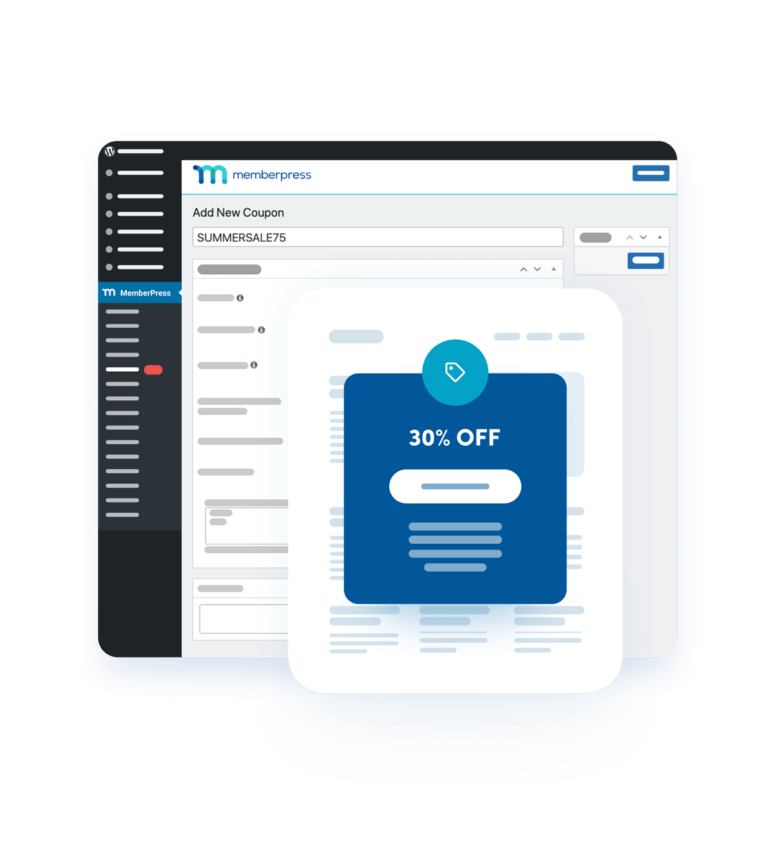
Promotions are the lifeblood of many businesses and in this arena, MemberPress won’t disappoint. You’ll be able to create new coupons, control how many times they can be used, when they expire, the discount percentage or fixed amount, what products they apply to … even change the automatically generated coupon code to be more suitable for whatever promotion you’re running.
- Add / Edit Coupons
- Manage Coupons